Suppressions
Sending again to an address that bounced or complained hurts the delivery of everything you send after it. So each workspace keeps suppression lists, and every send checks them first. Settings > Suppressions has three: Bounces, Complaints and Unsubscribes. Suppressions in the developer docs covers the API side.
Every member can see the lists, newest first, up to 200 addresses each. Owners and admins can remove an address.
Bounces
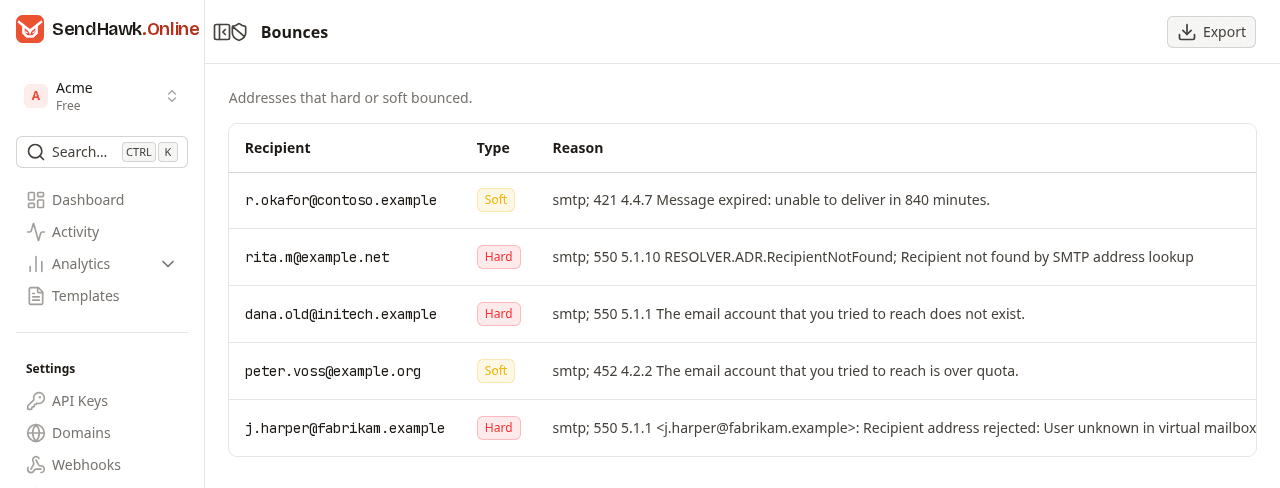
An address is added automatically when Amazon SES reports a bounce for an email sent to it.
| Column | What it shows |
|---|---|
| Recipient | The address. |
| Type | Hard: Amazon SES reported a permanent bounce, the address does not exist or refuses mail. Soft: a temporary one, such as a full mailbox. |
| Reason | The diagnostic Amazon SES passed on from the recipient's server, exactly as reported, or "Not reported". The numbers in it, such as 550 5.1.1, are standard SMTP codes you can look up. |
| Date | When the address was added. |
| Remove | Takes the address off the list, see Remove an address. |
A long reason can push Date and Remove past the right edge of the table; scroll the table sideways to reach them.
How long an address stays suppressed:
- Hard bounce: until you remove it.
- Soft bounce: for 24 hours after the bounce. After that the address can be sent to again, but it stays on this list until you remove it.
Complaints
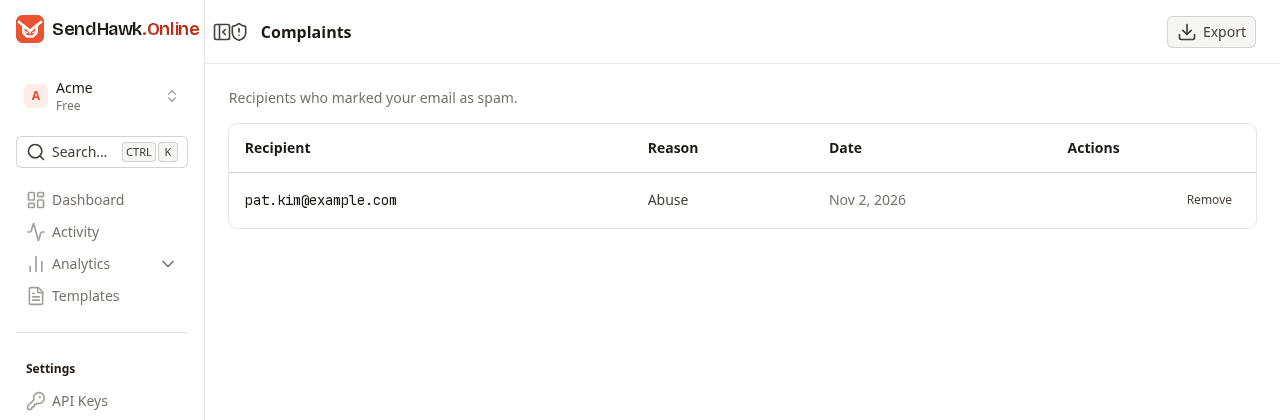
An address is added automatically when its recipient marks your email as spam and their mailbox provider reports it to Amazon SES. It stays suppressed until you remove it.
The Reason is the feedback type the provider reported: Abuse, Fraud or Other, any other type as the provider named it, or "Not reported".
Unsubscribes
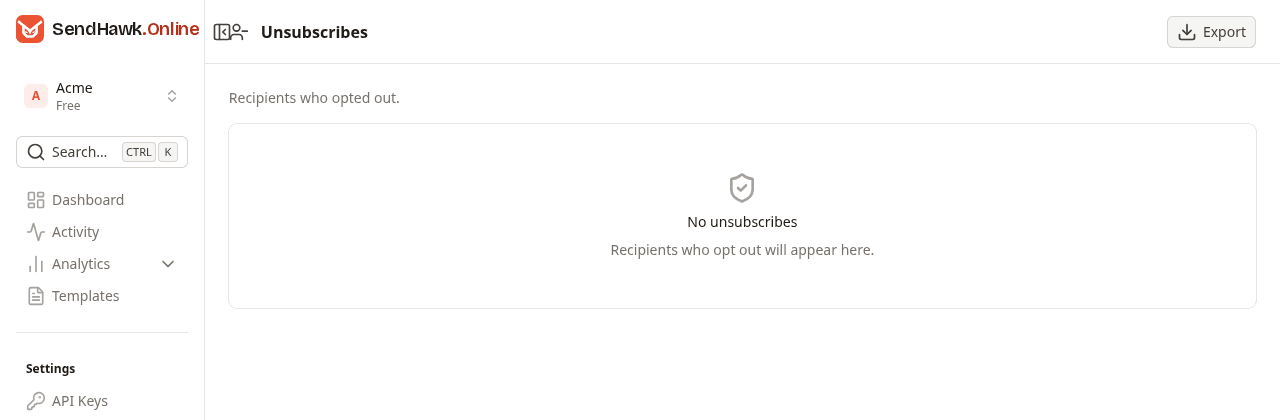
This list is for recipients who opted out, with the Source of the opt-out: List-Unsubscribe header, Unsubscribe link or Added manually. Addresses arrive here when a recipient confirms on the page behind the {{unsubscribe_url}} link of one of your emails - see Unsubscribe links. If you handle opt-outs in your own application instead, keep doing that; nothing else adds addresses to this list.
Sending to a suppressed address
A send to a suppressed address is refused before anything goes out, and no email is created. The API answers 422 with Suppressed after a bounce, complaint or unsubscribe, so not sent: and the addresses. The same applies to test sends from the dashboard. When one recipient of an email is suppressed, the whole email is refused, so remove that address and send again.
Remove an address
Click Remove on the row. It takes effect at once, without a confirmation, and the dashboard says "Removed from the suppression list". The next email to the address is sent normally.
Remove an address only when you know the cause is gone: the recipient fixed their mailbox, gave you a corrected address or asked to hear from you again. Removing it does not erase anything else, and the next bounce or complaint puts it straight back on the list.
Export at the top of each list downloads it as a CSV file. There is no way to add an address to a list by hand in the dashboard.